Nodes
Flero ships with close to 100 built-in nodes, plus a connector node and a trigger for each enterprise integration. This section is a reference: every built-in node, grouped by what it does, with its ports, its main fields and a small example where it helps.
Browse by category
| Category | What's in it | Page |
|---|---|---|
| Triggers | Start, API/Webhook Trigger, Scheduler, Form Trigger, Chat, MCP Trigger, plus connector event triggers | Triggers |
| Flow control | If, Switch, Loop, While, Merge, Split, Approval, Workflow Control, Delay, Error Handling | Flow control |
| Data transformation | Data Transform, Code, Data Parser, Text Processing, Template, Query Data, Date & Time, Encryption & Hashing, PII Masking, Address & Geocoding, Barcode & QR, Currency & FX, VAT Validation | Data transformation |
| Files & documents | Files, File Creation, File Operations, CSV Batch, Spreadsheet, Word Document, PowerPoint, PDF Operations, Image Convert, OCR | Files & documents |
| HTTP & web | HTTP Request, Web Scraper, Web Search, Web Controller, MCP Client, SFTP, Integration Automation | HTTP & API |
| Storage & database | Set, Database, Cache Storage, Contextual Memory | Storage & database |
| AI & LLM | AI Agent, the five guard nodes, AI Eval, Semantic Router, Prompt Template | AI & LLM |
| RAG | Document Chunker, Embeddings, Vector Database, RAG Reranker | RAG |
| Communication | Email, Notification | Communication |
| Utility & debugging | Log, Debug, Terminal, Docker, Docker Registry | Utility & debugging |
| Sub-workflows | Sub-Workflow, Chain | Sub-workflows |
| Flero platform (admins) | Flero Admin, Flero Analytics, Flero Inventory, Flero Event, Flero Monitor, Knowledge Query | Flero platform nodes |
| Enterprise connectors | Pre-built service integrations, listed in the catalog | Connector catalog |
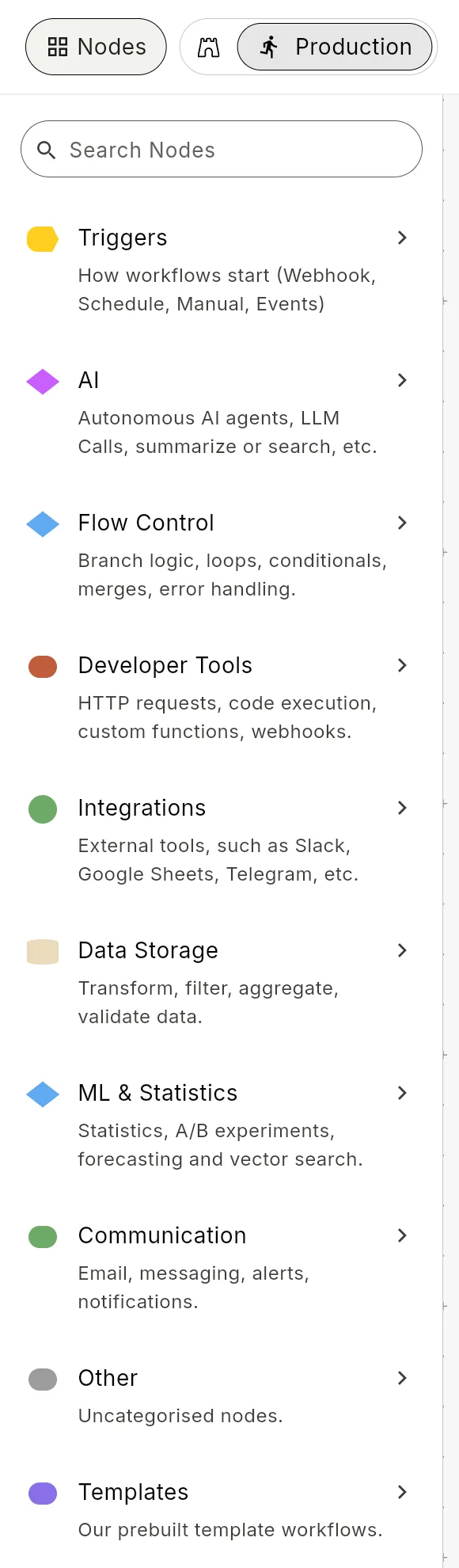
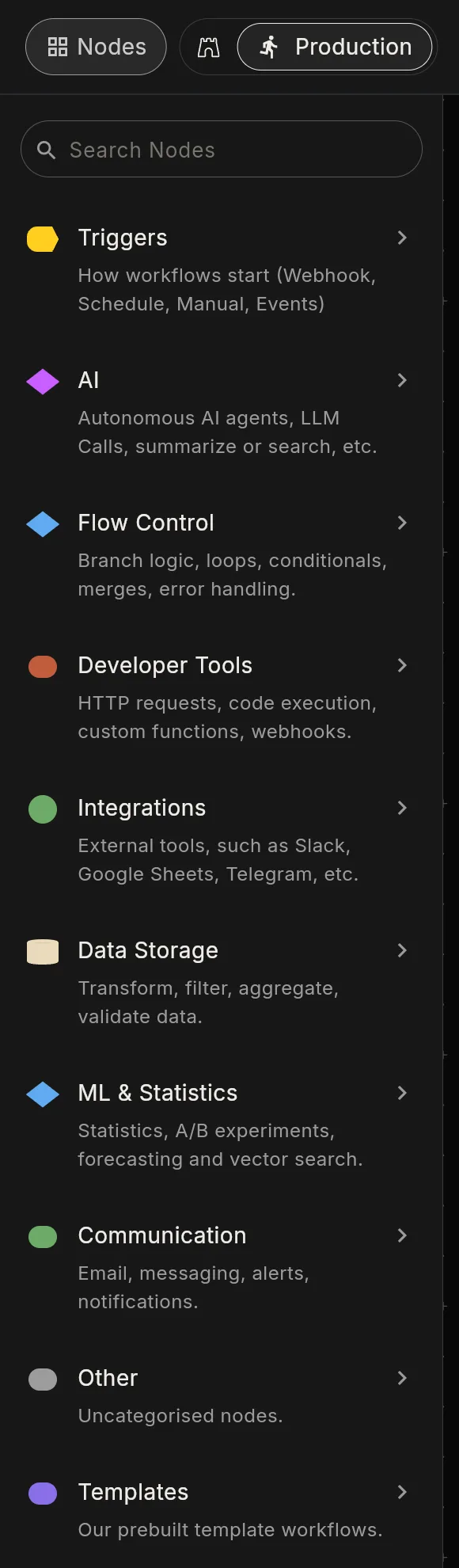
The pages above group nodes by job. The editor's palette groups them in its own sections: Triggers, AI, Flow Control, Data Storage, Communication, Developer Tools, Integrations (SFTP and the connectors) and Integration (MCP Client). Workspace admins also see Flero Nodes. Each node entry names the palette section it sits in when that differs from the page.
Anatomy of a node entry
Every entry follows the same shape so you can skim:
- What: one sentence.
- Ports: the input and output ports. Most nodes have one
inputand oneoutput; triggers have no input. - Configuration: the fields that matter, with defaults.
- Example: a minimal working config, where it helps.
- Notes: anything non-obvious.
Field names are shown as the node's configuration keys (for example fieldToLoopOn). You see the same keys in the node's JSON tab.
Settings every node has
Every node has a Settings dialog with the same error-handling options:
| Setting | Effect |
|---|---|
| Error mode | Stop Execution (default): a failure halts the run. Retry with Backoff: run the node again, waiting longer each time. Use Fallback Value: replace the failure with the value you give. Continue Anyway: record the failure and keep going. |
| Retry Count | Retries after the first attempt, when the mode is Retry with Backoff. Default 3, maximum 10. |
| Retry Delay (ms) | The first wait between retries. It doubles each time. Default 1000. |
| Fallback Value | The output used by Use Fallback Value. A JSON object is used as is; anything else is wrapped as {"value": …}. |
| Timeout | A deadline for this node in milliseconds. Leave it empty for none: a node without a timeout has no time limit, and Stop still interrupts it. |
See Retries & error handling for how these play out in a run.
Pinned data: a node with pinned data does not run. Every run reuses the pinned output instead, production runs included. Unpin it before you go live. See Configuring nodes → Pinning data.
Error outputs
A node fails either by throwing an error or by sending its result to an error port. When an error port is connected, the failure goes down that branch and the run continues. When it is not, the node's error mode decides.
These nodes can send failures to an error port: Code, Email, File Creation, File Operations, Image Convert, Loop, While, Sub-Workflow, Switch and Web Scraper.
When you add a node by hand, the canvas shows an error port on Loop, While, Sub-Workflow and Switch. Workflows the AI builder composes can carry it on the other nodes in the list too.
Looking for something specific?
- "How do I start a workflow when X happens?" → Triggers
- "How do I branch based on a value?" → Flow control → If
- "How do I loop over an array?" → Flow control → Loop
- "How do I call an API?" → HTTP & API → HTTP Request
- "How do I run an LLM prompt?" → AI & LLM → AI Agent
- "How do I pause for human approval?" → Flow control → Approval + Approvals
- "How do I send a Slack message?" → Connector catalog → Slack
- "How do I calculate or reshape a value?" → Storage & database → Set, Data Transform or Code. Expressions only look values up; see Functions.
- "How do I read a spreadsheet or a PDF?" → Files & documents
Found something out of date? This page lives in the Flero docs content set.