Flero User Guide
Welcome to Flero, the visual workflow automation platform for the enterprise.
This guide takes you from your first login to confidently designing, running, and monitoring real automation workflows. No code required.
Where to start
| If you're… | Read first |
|---|---|
| Brand new to Flero | 01 Getting Started, sign in, take the tour, build your first workflow in five minutes |
| Comfortable with the basics | 14 Recipes, full end-to-end tutorials for common automations |
| Looking up a specific node | 03 Nodes, every node, grouped by category |
| Writing an expression | 04 Expressions, the {{ $node["…"]… }} language |
| Connecting an external service | 06 Credentials & Connectors |
| Debugging a failing workflow | 07 Running & Monitoring |
| Starting workflows from your own systems | Flero API: API keys and the execute endpoint |
Full table of contents
Getting started
- What is Flero?
- Signing up and logging in
- First-run onboarding
- Tour of the app
- Your first workflow
- Core concepts
The workflow editor
- Editor overview
- Adding and connecting nodes
- Configuring nodes
- Replacing a node
- Testing while you build
- Running a workflow
- Canvas controls
- Sticky notes
- Converting to a sub-workflow
- Keyboard shortcuts
- AI builder
- Working with your team
Nodes
- Node catalog
- Triggers
- Flow control
- Data transformation
- Files & documents
- HTTP & API
- Storage & database
- AI & LLM
- RAG
- Communication
- Utility & debugging
- Sub-workflows
- Flero platform nodes
Expressions
- Expression language overview
- Syntax basics
- Referencing data
- Operators
- Functions
- Common patterns
- Debugging expressions
Triggers
- Trigger overview
- Manual & test runs
- Webhook trigger
- Schedule trigger
- Form trigger
- Chat trigger
- Connector event triggers
Credentials & connectors
- Overview
- Managing credentials
- OAuth flow
- API keys & bearer tokens
- Credential scope
- Connector catalog
- Slack
- HubSpot CRM
- Microsoft Outlook
- Granola
- Databricks
- Trello
- Salesforce
- Jira
- ServiceNow
- Shopify
- DocuSign
- SAP S/4HANA
- Microsoft Dynamics 365
- Google Cloud
- Azure
- AWS
Running & monitoring
- Execution lifecycle
- Rerun, stop & pause
- Execution history
- Logs
- Execution detail
- Debugging failures
- Monitoring dashboard
- Retries & error handling
Approvals
Templates
Sandbox mode
Workspaces & teams
Settings
Managing workflows
Flero API
Recipes
- Recipe index
- Slack notification on webhook
- Scheduled data sync
- AI content summarizer
- Approval-routed purchase
- Form submission to CRM
- RAG document Q&A
Troubleshooting
Reference
How this guide is written
Every page follows the same shape so you can scan quickly:
- What this covers / When to use it, one short paragraph.
- Walkthrough, numbered steps, with UI labels in bold.
- Reference, tables for fields, options, shortcuts.
- Tips & gotchas, short bulleted notes.
- Related, links to neighbouring pages.
UI elements are shown like this: click Run in the toolbar. File paths and inline code look like this: $node["My Node"]. Multi-line code uses fenced blocks.
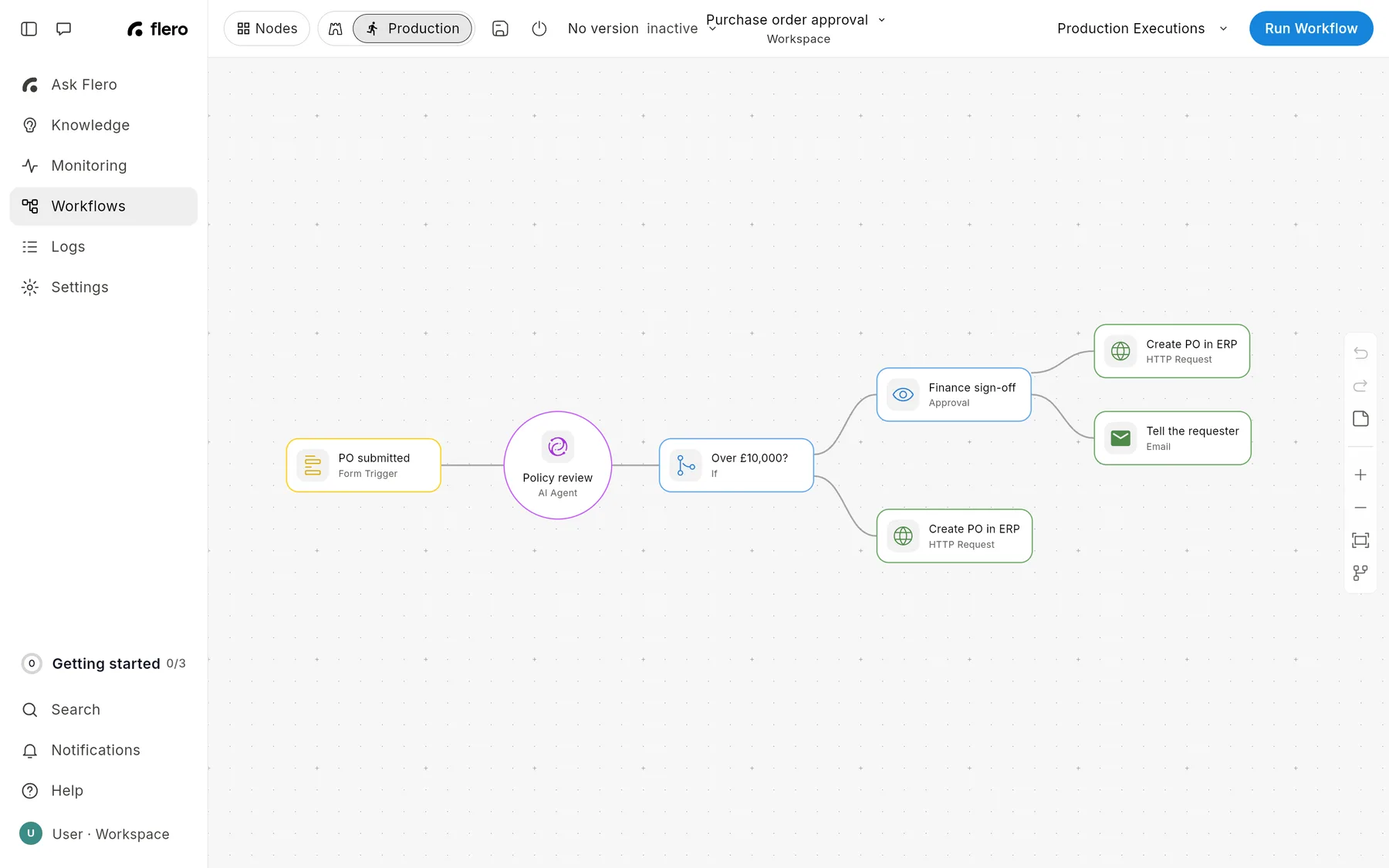
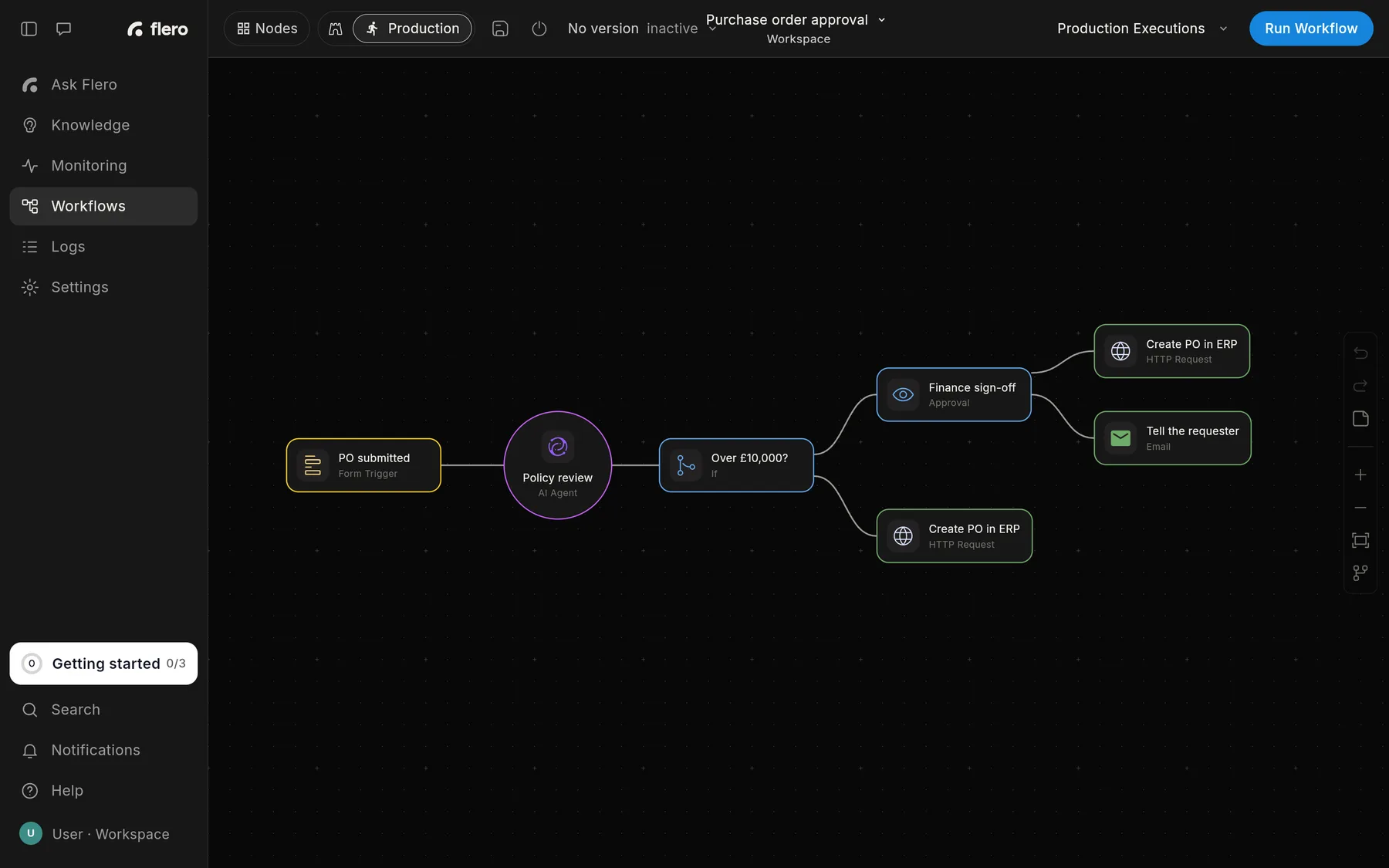
Screenshots show the app in the same theme you're reading in. Switch the docs between light and dark and they switch too.
Last updated: October 2026.
Found something out of date? This page lives in the Flero docs content set.